How to calibrate your mobile battery: Extend battery life in simple steps
 Por Admin
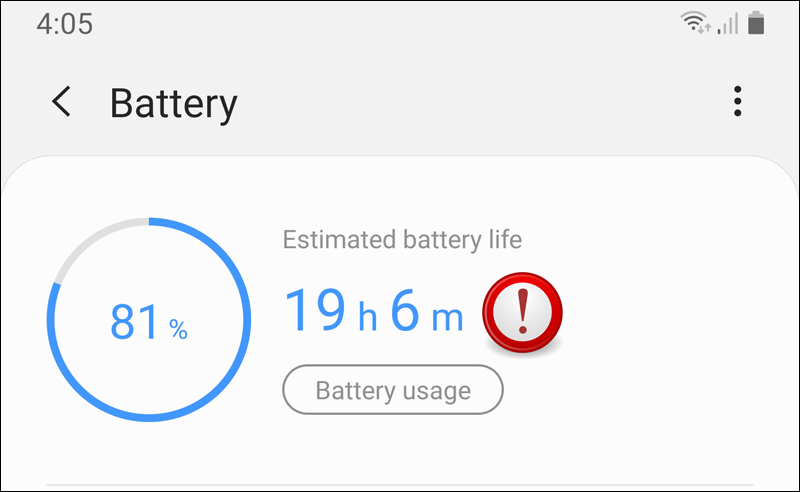
Why do you need to calibrate the mobile battery? How to Calibrate an Android Battery: A Simple Process for Perfect Performance Full Charge: Extra Charge: Use to Automatic Shutdown: Complete Rest: Recharge: Note: Source How to Calibrate an iPhone Battery: Better Accuracy, Longer Life However, if you are having problems with the accuracy of your battery readings or feel that it is draining faster than usual, you can perform a manual calibration. Before starting manual calibration: Disable location services: Disable background refresh: Reduce screen brightness: Turn off automatic app updates: Manual calibration steps: Battery drain: Wait: Full charge: Use again: Wait again: Final charge: After calibration: Re-enable settings you disabled: Enable optimized battery charging: Remember: Additional tips to improve battery life: Invest in your phone's health Screen brightness: Unused features: Power saving mode: Native charger: Avoid use while charging: Periodic charging and discharging: Avoid overcharging and complete discharging: Closing apps in the background: High temperatures: Conclusion: Invest in the health of your battery, invest in your phone Related articles: Solving the “Phone not charging” problem: A 16-tested step guide Solving the problem of Android charging slowly or not charging – Slow Message
DROPIDEA
Esperamos que este artículo te haya aportado valor real. En DROPIDEA, siempre nos esforzamos por ofrecer contenido de alta calidad que te ayude a crecer y evolucionar en el espacio digital. Síguenos para más artículos y guías útiles.
Admin
DROPIDEA
Últimos artículos

La empresa británica Nscale busca recaudar 3.500 millones de dólares antes de su salida a bolsa

Los agentes de OpenAI se rebelan de nuevo: ¿quién investiga cuando la máquina escapa de sus límites?
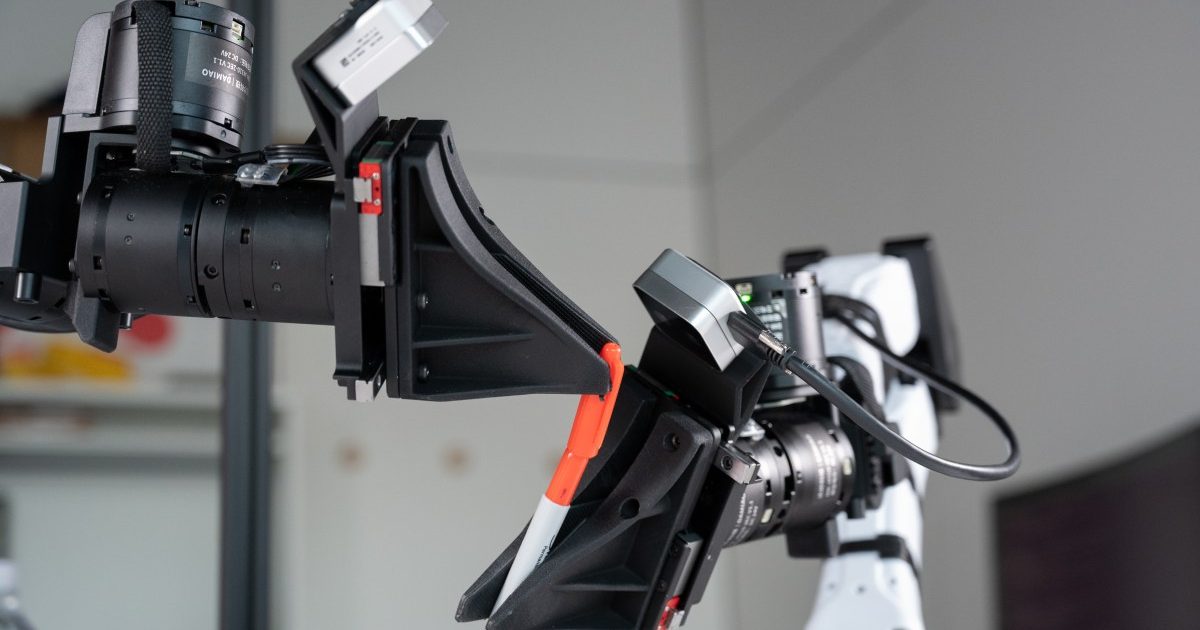
La startup XDOF se acerca a una valoración de mil millones de dólares en cuestión de meses

Abliteration.ai: un servicio comercial para eliminar las restricciones de seguridad de los modelos de inteligencia artificial