If you installed Windows 10 on your computer, you have certainly noticed that the system no longer uses the Windows Photo Viewer tool by default to display photos in Windows 10, as the Photos application was relied upon to do this, and although it performs this function well, some objected because it takes time when viewing the image, so let us review how to make the Windows Photo Viewer be the default instead. Read also: How to play DVD movies in Windows 10 for free How to restore Windows Photo Viewer to display photos in Windows 10 To restore the Windows Photo Viewer tool again so that it becomes the default for displaying photos in Windows 10, we will need the registry editor in Windows, and we are certain that dealing with it is complicated and difficult to explain, so all the commands have been shortened into one file that you can download from here. – After downloading the file and decompressing it, a registry file will be produced.
– Click on it twice, and when the “Apply commands” message appears inside the registry editor, click Yes. - Good, so the tool has been added in Windows 10, all that remains is to make it default. - Right-click on any image you have on your computer.
– Point the mouse pointer to “Open with” and select Windows Photo Viewer. – Thus, photos are displayed in Windows 10 using the Windows Photo Viewer tool.
File source from
Ahmed Maher
DROPIDEA
Esperamos que este artículo te haya aportado valor real. En DROPIDEA, siempre nos esforzamos por ofrecer contenido de alta calidad que te ayude a crecer y evolucionar en el espacio digital. Síguenos para más artículos y guías útiles.

Admin
DROPIDEA
Últimos artículos

Una cadena de televisión libra una batalla judicial para recuperar 50 terabytes de su archivo digital
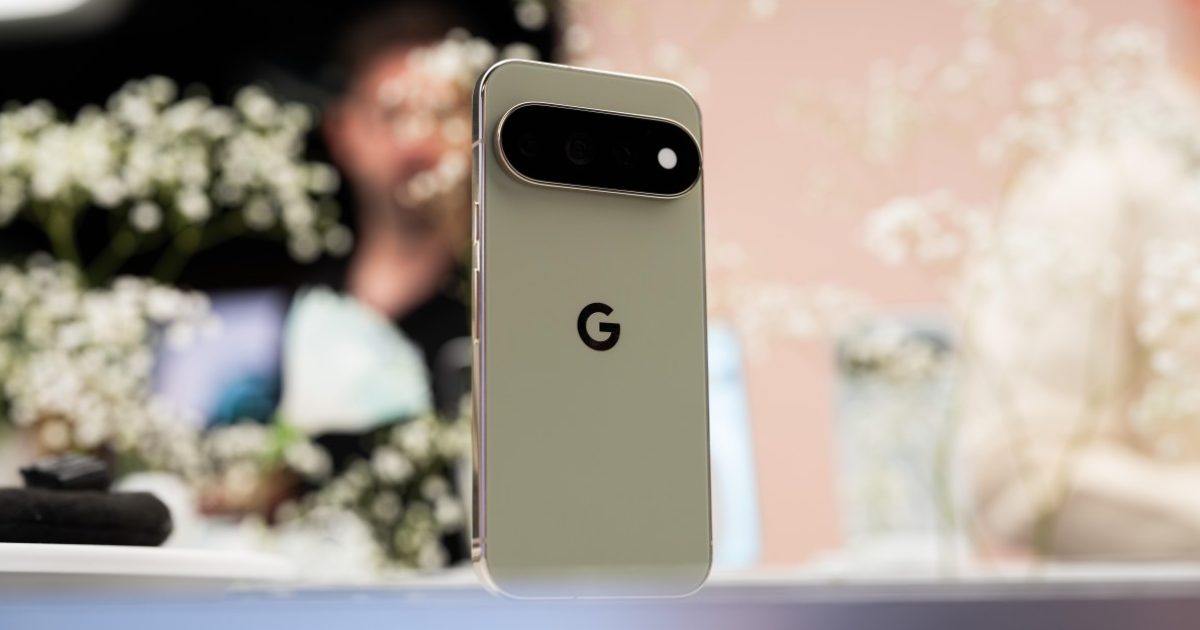
La nueva función de cámara de Google es exclusiva para los teléfonos Pixel 11

Una nueva versión más aterradora de la película «Expediente X» llega a Hulu
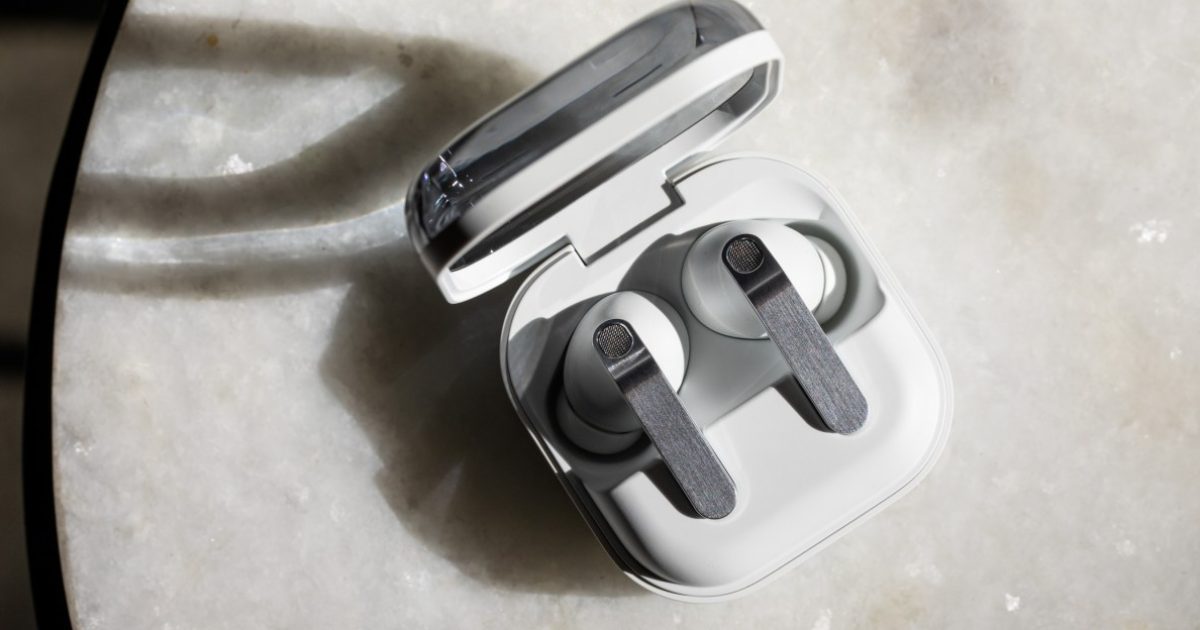
Samsung prepara los auriculares Galaxy H1 para competir con los AirPods Max