How to add settings shortcuts to the Android screen
 Por Admin

In Android phones, there are many settings that can be accessed through the application list, and there is no doubt that there are settings that you would like to see on a daily basis, such as data consumption rate and application manager..., and instead of entering the settings and then searching for the desired setting, you can make the matter much faster by adding it to the phone screen, and in this article we will review how to do that. We recommend reading How to create a shortcut to your favorite sites on the screen of your Android phone How to place settings shortcuts on the home screen of Android phones If you want to add settings shortcuts to the screen of your Android phone, all you have to do is follow the steps below. - Open the applications list, then click on “Widgets”.
- Then search within this list for “settings shortcuts”. – Long press on it to move it to the phone’s main screen. - Here a pop-up window will appear, in which you click on the setting you want to add to the screen.
Thus, settings shortcuts are placed, where you will find that the settings icon has appeared on the screen, and once you click on it, the settings will be opened immediately.
DROPIDEA
Esperamos que este artículo te haya aportado valor real. En DROPIDEA, siempre nos esforzamos por ofrecer contenido de alta calidad que te ayude a crecer y evolucionar en el espacio digital. Síguenos para más artículos y guías útiles.
Admin
DROPIDEA
Últimos artículos

Una cadena de televisión libra una batalla judicial para recuperar 50 terabytes de su archivo digital
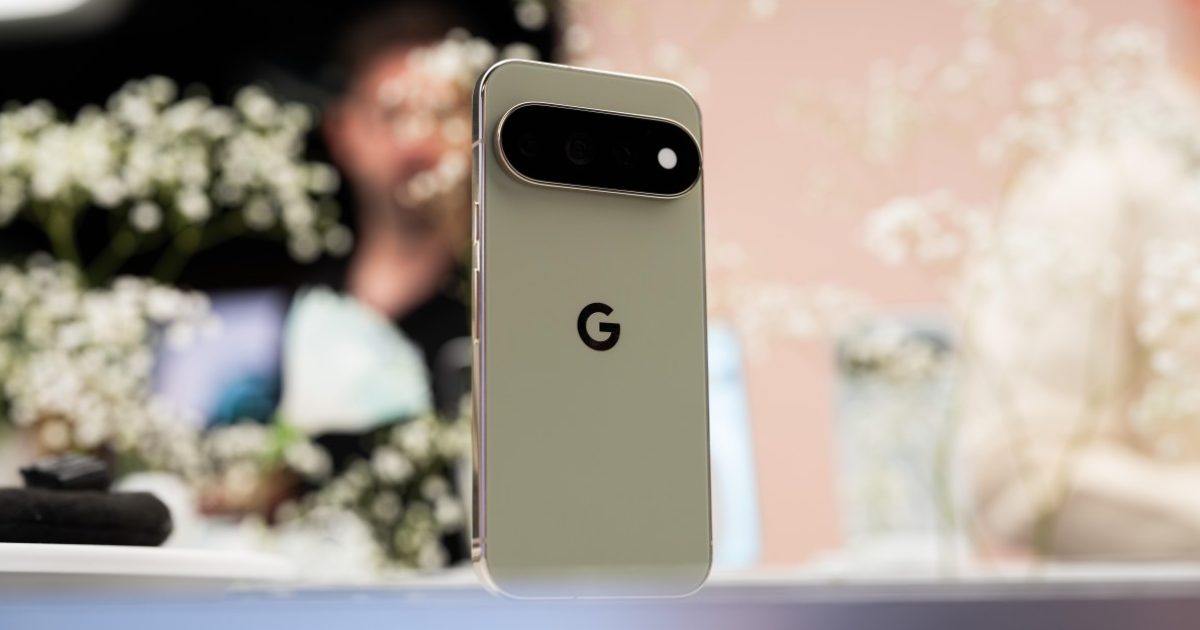
La nueva función de cámara de Google es exclusiva para los teléfonos Pixel 11

Una nueva versión más aterradora de la película «Expediente X» llega a Hulu
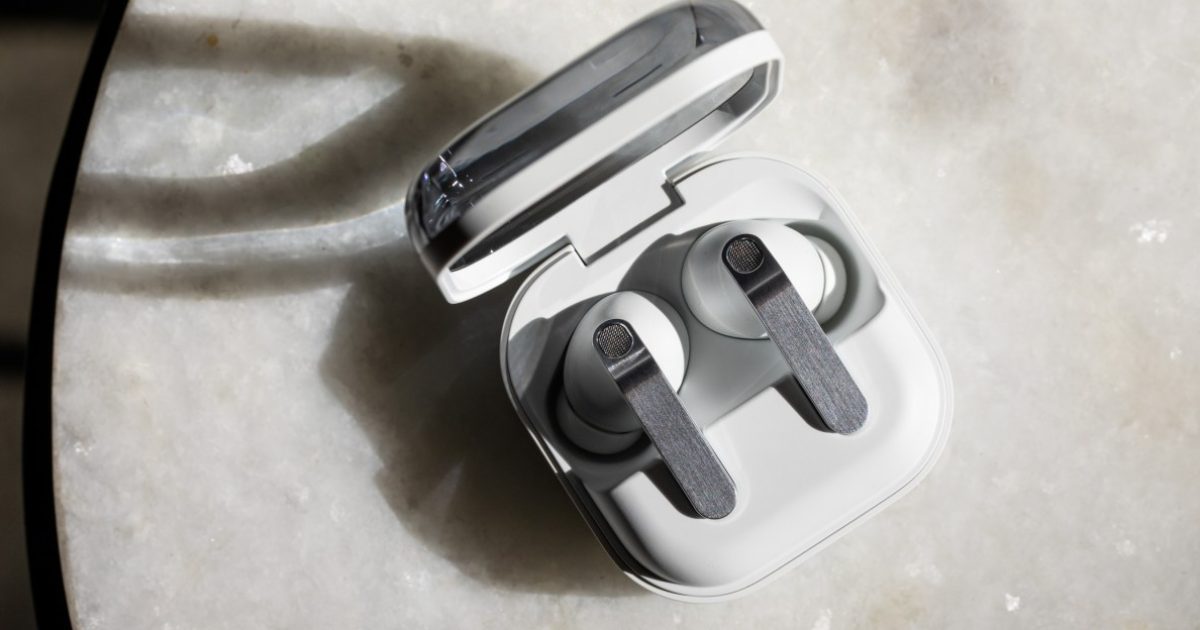
Samsung prepara los auriculares Galaxy H1 para competir con los AirPods Max