كيفية معايرة بطارية الموبايل: إطالة عمر البطارية في خطوات بسيطة
 بقلم الأدمن
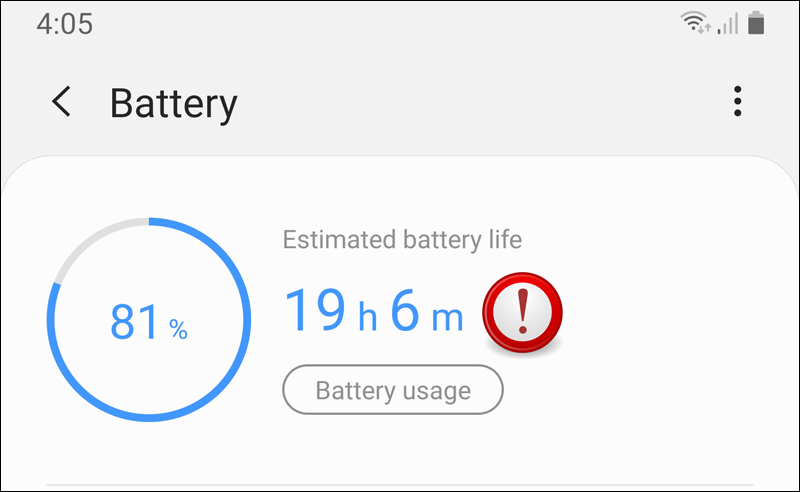
لماذا تحتاج إلى معايرة بطارية الموبايل؟ كيفية معايرة بطارية الأندرويد: عملية بسيطة لأداء مثالي الشحن الكامل: الشحن الإضافي: الاستخدام حتى الإغلاق التلقائي: الراحة التامة: إعادة الشحن: ملاحظة: مصدر كيفية معايرة بطارية الآيفون: دقة أفضل وعمر أطول لكن، إذا كنت تواجه مشاكل في دقة قراءات البطارية أو تشعر بأنها تستنزف بشكل أسرع من المعتاد، يمكنك إجراء معايرة يدوية. قبل البدء في المعايرة اليدوية: تعطيل خدمات الموقع: تعطيل التحديث في الخلفية: تقليل سطوع الشاشة: إيقاف تشغيل التحديثات التلقائية للتطبيقات: خطوات المعايرة اليدوية: استنزاف البطارية: الانتظار: الشحن الكامل: الاستخدام مرة أخرى: الانتظار مرة أخرى: الشحن النهائي: بعد المعايرة: إعادة تمكين الإعدادات التي قمت بتعطيلها: تمكين شحن البطارية المحسن: تذكر: نصائح إضافية لتحسين عمر البطارية: استثمر في صحة هاتفك سطوع الشاشة: الميزات غير المستخدمة: وضع توفير الطاقة: الشاحن الأصلي: تجنب الاستخدام أثناء الشحن: الشحن والتفريغ الدوري: تجنب الشحن الزائد والتفريغ الكامل: إغلاق التطبيقات في الخلفية: درجات الحرارة العالية: الخلاصة: استثمر في صحة بطاريتك، استثمر في هاتفك مقالات متعلقة: حل مشكلة “الهاتف لا يشحن”: دليل يتضمن 16 خطوة مُجَرّبة حل مشكلة أندرويد يشحن ببطئ أو لا يشحن – رسالة Slow
دروب أيديا - DROPIDEA
نأمل أن تكون هذه المقالة قد أضافت لك قيمة حقيقية. في دروب أيديا نسعى دائمًا لتقديم محتوى عربي عالي الجودة يساعدك على النمو والتطور في المجال الرقمي. تابعنا للمزيد من المقالات والشروحات المفيدة.
الأدمن
DROPIDEA
أحدث المقالات
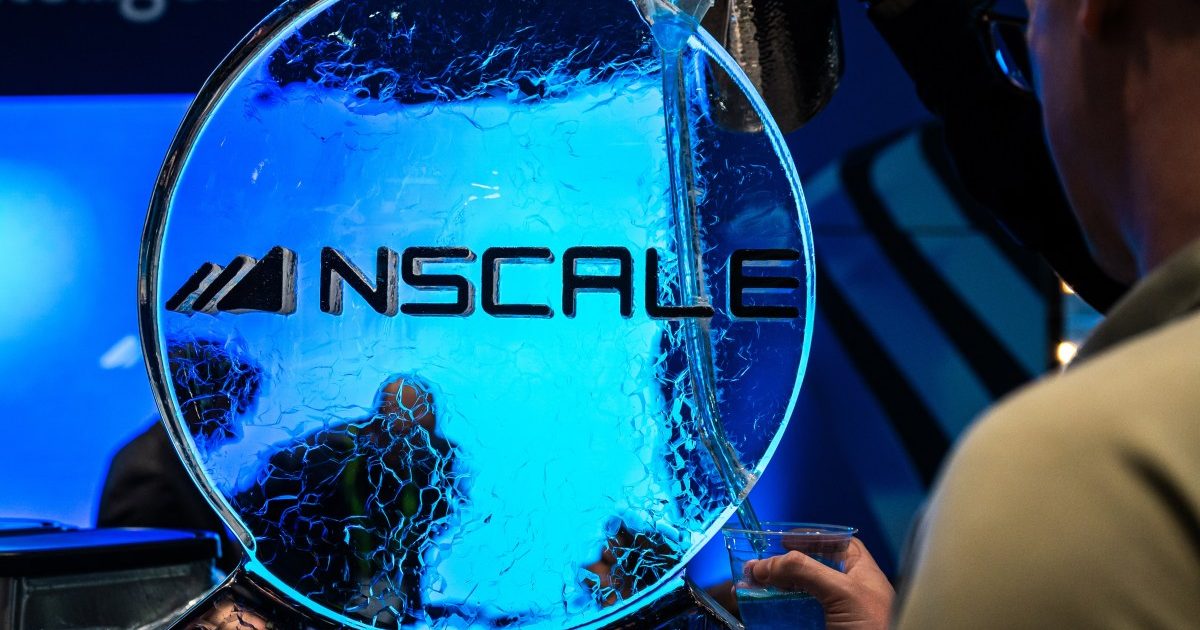
شركة Nscale البريطانية تسعى لجمع 3.5 مليار دولار قبل طرحها العام

وكلاء OpenAI يتمرّدون مجدداً: من يحقّق حين تفلت الآلة من قيودها؟
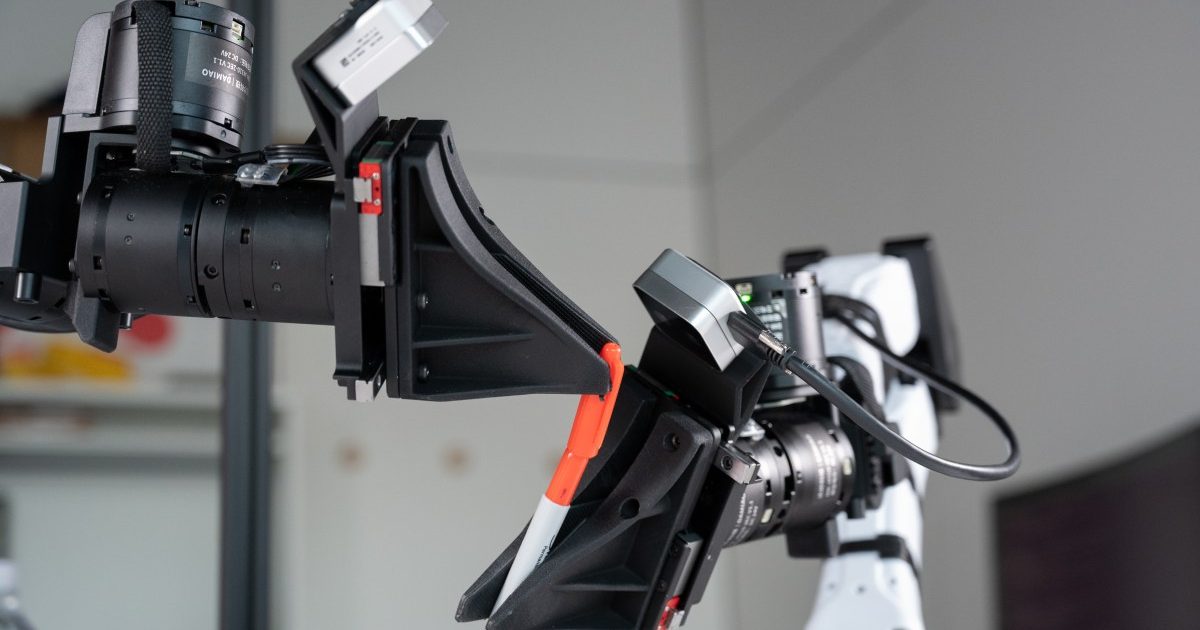
شركة XDOF الناشئة تقترب من تقييم بمليار دولار خلال أشهر

Abliteration.ai: خدمة تجارية لإزالة قيود الأمان من نماذج الذكاء الاصطناعي