السلام عليكم كثيراً ما تم الحديق عن الإعلان داخل الفيديو والألعاب ونتكلم هنا برمجياً اليوم سوف نتطرق إلى طرح السياسات الخاصة بالإعلان داخل الألعاب والفيديو ونتحدث عن تفاصيلها يتيح برنامج AdSense للفيديو وللألعاب للناشرين ممن يمتلكون محتوىً تفاعليًا إمكانية تحقيق الربح باستخدام مواضع إعلانات ملائمة وغير تطفلية من الشبكة الواسعة لمعلني Google. إذا كنت ترغب في إدراج إعلانات Google ضمن محتوى الوسائط التفاعلي الذي تملكه، سيتعين عليك التقيد بما يلي: سياسات برنامج AdSense العامة .
جميع السياسات المذكورة أدناه. محتويات الموضوع Toggle متطلبات المساحة متطلبات المحتوى أوصاف المحتوى والبيانات الوصفية سلوك الإعلان ومشغّل الفيديو الإعلانات المعروضة إرشادات الجمع بين الإعلانات الإرشادات المتعلقة بشكل الإعلان سياسات برنامج AdSense للفيديو سياسات برنامج AdSense للألعاب عرض الإعلانات الكاملة على أنها إعلانات فيديو يجب توضيح الفرق بين الإعلان واللعبة بحيث لا يحدث أي لبس لدى المستخدم استخدام شريط تحميل ومؤقت للعد التنازلي وضع إعلانات AdSense للمحتوى (AFC) في صفحات تشغيل الألعاب مثال على التنفيذ المقبول: مثال على التنفيذ غير المقبول: متطلبات المساحة لطلب إعلانات Google وعرضها، يجب أن تفي مشغّلات فلاش بالمتطلبات الأساسية التالية: يجب أن تحافظ المشغّلات دائمًا على نسبة عرض إلى ارتفاع 3:4 أو 9:16 . يجب ألا يقل حجم الإعلانات التي تظهر على سطح الفيديو عن 450 × 50 بكسل.
لمزيد من المعلومات، يُرجى مراجعة الأحجام المسموح بها للإعلانات التي تظهر على سطح الفيديو . يجب ألا يقل حجم إعلانات الفيديو عن المساحة القابلة للتشغيل أو عن 200 × 200 بكسل، أيهما أكبر.
متطلبات المحتوى لا يمكن للناشرين الذين يستخدمون إعلانات AdSense للوسائط التفاعلية (IMA) وضع إعلانات Google إلا على المحتوى الذي يتقيد بإرشادات المحتوى التي وضعناها. وسنوضح فيما يلي بعض هذه الإرشادات.
يُرجى الاطلاع على سياسات برنامج AdSense العامة للحصول على قائمة كاملة بإرشادات المحتوى.
تجدر الإشارة إلى أن جميع الصفحات التي تعرض إعلانات AdSense يجب أن تلتزم أيضًا بالإرشادات التي تتعلق بالمحتوى. إذا كانت هناك قابلية لتضمين المشغل/اللعبة، فستكون مسؤولاً عن ضمان التزام الصفحات التي سيتم عرض المحتوى عليها بسياسات البرنامج. وإذا لم تتمكن من تلبية هذا الشرط، ننصحك بعدم طلب إعلانات في المشغلات/الألعاب المضمنة في مواقع لا يمكنك التحكم في المحتوى الذي تعرضه.
يجب ألا تشتمل المحتويات والمواقع التي تعرض إعلانات Google على ما يلي: محتوى إباحي أو للبالغين أو الكبار. أي محتوى آخر غير قانوني أو يشجع على نشاط غير قانوني أو ينتهك الحقوق القانونية للغير.
محتوى يتضمن عنفًا أو تعصبًا عرقيًا أو تحيزًا ضد أي فرد أو مجموعة أو مؤسسة. المحتوى المحمي بموجب قانون حقوق الطبع والنشر، إلا إذا كان الناشر يمتلك الحقوق القانونية الضرورية لعرض ذلك المحتوى. يُرجى الاطلاع على سياسة قانون الألفية الجديدة لحقوق طبع ونشر المواد الرقمية
لمزيد من المعلومات. أوصاف المحتوى والبيانات الوصفية يجب توفير بيانات وصفية دقيقة وذات جودة عالية أو عنوان URL وصفي لجميع المحتوى الذي يتم استثماره خلال إعلانات الوسائط التفاعلية (IMA) من Google.
يجب أن تكون جميع المعلمات – التي يتم إرسالها إلى Google في وقت طلب الإعلان – دقيقة. سلوك الإعلان ومشغّل الفيديو لا يجوز تعديل الشفرة التي يتم تقديمها لك من خلال برنامج AdSense، ولا يجوز التلاعب بالسلوك المعتاد للإعلانات أو استهدافها أو عرضها بأي طريقة لا تسمح بها Google صراحةً. في حالة تقديم طلب لأحد الإعلانات وعرضه، يجب أن يتم عرض الإعلان دائمًا، إلا إذا غادر المستخدم المحتوى.
لا يجوز تضمين الإعلانات برمجيًا في بيئة اللعبة أو بث المحتوى. لا يجوز استخدام أي بانر أو صورة في الإعلانات كخلفية النموذج لمشغّل الفيديو. يجب أن يستوعب مشغّل الفيديو/اللعبة جميع الأنواع المناسبة من تفاعل المستخدم مع إعلانات Google.
على سبيل المثال، يجب أن تظل إمكانية النقر متاحة في جميع الروابط القابلة للنقر ضمن الإعلان. لا يجوز للناشرين إخفاء أي عناصر في الوحدة الإعلانية أو إعتامها أو إزالتها تحت أي ظرف. وفي المقابل، يجب ألا توضع الإعلانات على مقربة شديدة من عناصر التحكم في اللعبة/مشغل الفيديو (التشغيل والإيقاف المؤقت ومستوى الصوت وما إلى ذلك) ويجب ألا تؤدي إلى حجب عناصر التحكم بأي شكلٍ من الأشكال.
إذا كان يتم تشغيل مشغّل الفيديو/اللعبة تلقائيًا عند تحميل الصفحة، يلزم وضع المشغّل/اللعبة في الجزء المرئي من الصفحة (1024×768 بكسل من الركن العلوي الأيمن في الصفحة). لا يجوز للناشرين تعديل تنفيذ الوحدات الإعلانية للفيديو بحيث يتم كتم صوتها بصورة افتراضية. يجوز لقوائم تشغيل الفيديو أو حلقات التكرار المعيّنة على التشغيل تلقائيًا أن تعرض فقط إعلانات الفيديو مع كل خامس مقطع فيديو يتم تشغيله.
يجب أن يلتزم المشغل بإيقاف مؤقت لإعادة تشغيل المحتوى عندما ينقر المستخدم على أحد إعلانات Google. ويجب أن يتم تشغيل المحتوى أو إلغاء إيقافه مؤقتًا بواسطة المستخدم بعد النقر على الإعلان، كذلك يجب ألا يتم استئنافه تلقائيًا. الإعلانات المعروضة يوفر برنامج AdSense عدة أشكال للإعلانات، ونحن نشجع الناشرين على تجربة مجموعة متنوعة من المواضع في مشغل الفيديو، بشرط الالتزام بالسياسات الواردة أدناه.
تجدر الإشارة إلى أنه يتم تطبيق هذه السياسات أيضًا على أية إعلانات لجهة خارجية تختار عرضها في المشغلات مع إعلانات Google. إرشادات الجمع بين الإعلانات يُسمح بعرض إعلان واحد فقط في المشغل في أي وقت. وبمجرد طلب أحد الإعلانات، يجب أن يتم عرضه إلى أن يتم ما يلي:
انتهاء عرض الإعلان نفسه (في حالة إعلانات الفيديو). انتهاء فيديو المحتوى (في حالة الإعلانات التي تظهر على سطح الفيديو). من 10 إلى 15 ثانية (في حالة الإعلانات الكاملة).
تجاوز المستخدم للإعلان أو إغلاقه. انتقال المستخدم بعيدًا عن المحتوى. الإرشادات المتعلقة بشكل الإعلان الإعلانات التي تظهر على سطح الفيديو:
يمكن بدء الإعلانات التي تظهر على سطح الفيديو في أي وقت ضمن بث الفيديو، إلا أننا نوصي ببدئها خلال عشر ثوانٍ. يجب أن يتم تخصيص 15 ثانية على الأقل من وقت العرض للإعلان.
إعلانات الفيديو:
يجب أن يستمر وجود إعلانات الفيديو ما قبل التشغيل وأثناء التشغيل وما بعد التشغيل في المشغل/اللعبة حتى انتهاء تشغيل الإعلان. يمكن أن تتم إعادة تشغيل الإعلان بنفس مستوى صوت المحتوى، لكن لا يتم كتم صوته بشكل افتراضي.
الإعلانات المصاحبة:
يجب على الناشرين وضع الإعلانات المصاحبة في برنامج AdSense للفيديو في موضع قريب من مقاطع الفيديو المقابلة لها بما يسمح بارتباط المستخدمين بها بسهولة. سياسات برنامج AdSense للفيديو يجب أن يتقيد محتوى الفيديو بالمتطلبات التالية للحد الأدنى للطول: يجب أن يبلغ طول مقطع المحتوى 30 ثانية أو أكثر لعرض الإعلانات التي تظهر على سطح الفيديو. يجب أن يبلغ طول مقطع المحتوى 15 ثانية أو أكثر لعرض الإعلانات الكاملة.
يجب أن يبلغ طول مقطع المحتوى دقيقة واحدة أو أكثر لعرض إعلان فيديو واحد. ولعرض أكثر من إعلان فيديو في مقطع المحتوى، يجب توفير محتوى إضافي تبلغ مدته دقيقتان لعرض كل إعلان فيديو إضافي. سياسات برنامج AdSense للألعاب يعتبر AdSense للألعاب منتجًا قويًا يتيح لك إمكانية التحكم في انطباعات المستخدم.
وهذا يؤهلك للحصول على كثير من الفرص الجديدة، ولكن يلزمك تنفيذ الإعلانات بمنتهى الدقة لكي تحقق التوازن بين الأرباح وبين تحقيق انطباع جيد للمستخدم. يهدف هذا الدليل إلى تعريفك بسياسات دمج AdSense للألعاب. وستعرف كيفية تقديم الإعلانات بطريقة تساعد على تحسين الأرباح التي تحصل عليها في الوقت الذي تتجنب فيه النقرات غير المقصودة، مما يساعد في الحفاظ على حسابك في حالة جيدة.
في الحقيقة، تؤدي النقرات غير الصالحة إلى تعرضك لخصومات من أرباحك وقد تؤدي كذلك إلى إنهاء الحساب. عرض الإعلانات الكاملة على أنها إعلانات فيديو يعني هذا أنك تعرض الإعلان الكامل على أنه يلتزم بمدة محددة وبدون توفر زر التخطي. اعرض هذه الإعلانات لمدة لا تقل عن 10 ثوان ولا تزيد عن 15 ثانية وذلك لمنح المستخدم فرصة للتفكير في رسالة المعلن الإعلانية قبل بدء تشغيل اللعبة.
تجدر الإشارة إلى أن عرض الإعلانات لمدة أقل من 10 ثوان لن يمنح المستخدم أي وقت للتركيز كما أن زيادة مدة العرض أطول من اللازم يمكن أن تتسبب في اختلاط الأمور على المستخدم. يجب ألا تنسى إزالة الإعلان بالكامل وإلغاء تحميل أداة تطوير البرامج (SDK) لإعلانات الوسائط التفاعلية (IMA) عند إنهاء الإعلانات والاستعداد لتشغيل اللعبة. يجب توضيح الفرق بين الإعلان واللعبة بحيث لا يحدث أي لبس لدى المستخدم بمعنى أنه يجب أن يدرك المستخدم أنه يشاهد أحد إعلانات Google، فقد تبين لنا أن المستخدم يتعرض للخداع بواسطة إعلانات تشبه الألعاب وبالتالي قد يتسبب هذا في أن ينقر المستخدم على الإعلان على سبيل الخطأ.
يُنصح بتضمين نص كبير على درجة كبيرة من التباين أعلى الوحدة الإعلانية بحيث يتيح للمستخدم معرفة أنه يشاهد إعلانًا وأن اللعبة التي يفضلها ستبدأ بعد الانتهاء من تشغيل الإعلان. استخدام شريط تحميل ومؤقت للعد التنازلي تذكر أنه لا يلزم أن يتحدث جميع المستخدمين لغةً واحدة وهي التي تمت كتابة موقعك بها، ولذا احرص على إدراج مؤشر بصري واضح يبين أن اللعبة لا تزال قيد التحميل بينما يتم عرض الإعلان. وننصح باستخدام شريط تحميل من الحجم الكبير على درجة كبيرة من التباين وكذلك استخدام مؤقت للعد التنازلي.
يؤدي إدراج زر للتخطي كبديل عن إخفاء الإعلان إلى زيادة بصورة عامة في عدد النقرات غير المقصودة، وبالتالي يُنصح بإخفاء الإعلان بعد 10 إلى 15 ثانية بدلاً من تزويد المستخدمين بوسيلة لتخطي الإعلان. وإذا قررت إدراج زر للتخطي، يُرجى التأكد من أنه بعيد بدرجة كافية عن الإعلان نفسه، بحيث لا ينقر المستخدم على الإعلان على سبيل الخطأ. وضع إعلانات AdSense للمحتوى (AFC) في صفحات تشغيل الألعاب كإرشاد عام، ينبغي أن يكون المستخدم الذي لا يتحدث لغة صفحتك قادرًا على التنقل من صفحة تشغيل اللعبة إلى اللعبة الفعلية دون النقر غير المقصود على الإعلانات.
تهدف هذه السياسة على وجه الخصوص إلى تحديد نموذجين من تنفيذ AdSense للمحتوى (AFC) على صفحات الألعاب التي تربك المستخدم وتعرِّضه إلى النقرات غير المقصودة. يُرجى زيارة مركز مساعدة AdSense للحصول على وصف كامل بشأن سياسات وضع إعلان AdSense للمحتوى (AFC)
و سياسات برنامج AdSense للألعاب (AFG)
للحصول على مزيد من المعلومات. يرجى مراعاة أن هذه السياسة تنطبق أيضًا على تنفيذ الإعلانات باستخدام DoubleClick Ad Exchange .
سيؤدي عدم اتباع السياسات أدناه إلى نشاط النقرة غير الصالحة الذي يؤدي في النهاية إلى خفض إيراد الناشر. يؤدي نشاط النقرات غير الصالحة إلى خفض معدلات تحويل المعلنين، مما يقلل بدوره من المبلغ الذي يكون المعلنون على استعداد لتقديمه في عرض أسعار إعلاناتهم لإظهارها على صفحتك.
يُعرف ذلك باسم
التسعير الذكي . كما سيؤدي النشاط غير الصالح إلى خفض الإيراد المقدر في نهاية الشهر. صفحات الإعلان البيني يجب ألا تؤدي أزرار تشغيل اللعبة إلى عرض صفحات بينية تخضع لوحدات AdSense للمحتوى التي لا تتضمن روابط واضحة لتشغيل الألعاب.
بشكل أكثر تعميمًا، يجب ألا تعمل الروابط التي تهدف إلى نقل المستخدم إلى مسار اللعبة على خداع المستخدم لدفعه إلى النقر على إعلانات AdSense. يُرجى زيارة مركز المساعدة للحصول على مزيد من المعلومات حول وضع إعلانات AdSense على صفحات بينية .
أزرار التشغيل غير الواضحة يجب أن تكون أزرار تشغيل اللعبة قابلة للنقر وموضوعة في موقع واضح. يقلل وضع صورة للعبة بالإضافة إلى نص من ارتباك المستخدم والنقرات غير المقصودة. يجب ألا تُوضع الوحدات الإعلانية حول روابط تشغيل اللعبة على مسافة أقرب من اللازم.
يُرجى زيارة مركز المساعدة لعرض السياسة الكاملة بشأن تنفيذ AdSense المضلل . مثال على التنفيذ المقبول: مثال على التنفيذ غير المقبول: #GoogleAdSense #سياساتGoogle #وضعالإعلانفيفيديو
دروب أيديا - DROPIDEA
نأمل أن تكون هذه المقالة قد أضافت لك قيمة حقيقية. في دروب أيديا نسعى دائمًا لتقديم محتوى عربي عالي الجودة يساعدك على النمو والتطور في المجال الرقمي. تابعنا للمزيد من المقالات والشروحات المفيدة.

الأدمن
DROPIDEA
أحدث المقالات
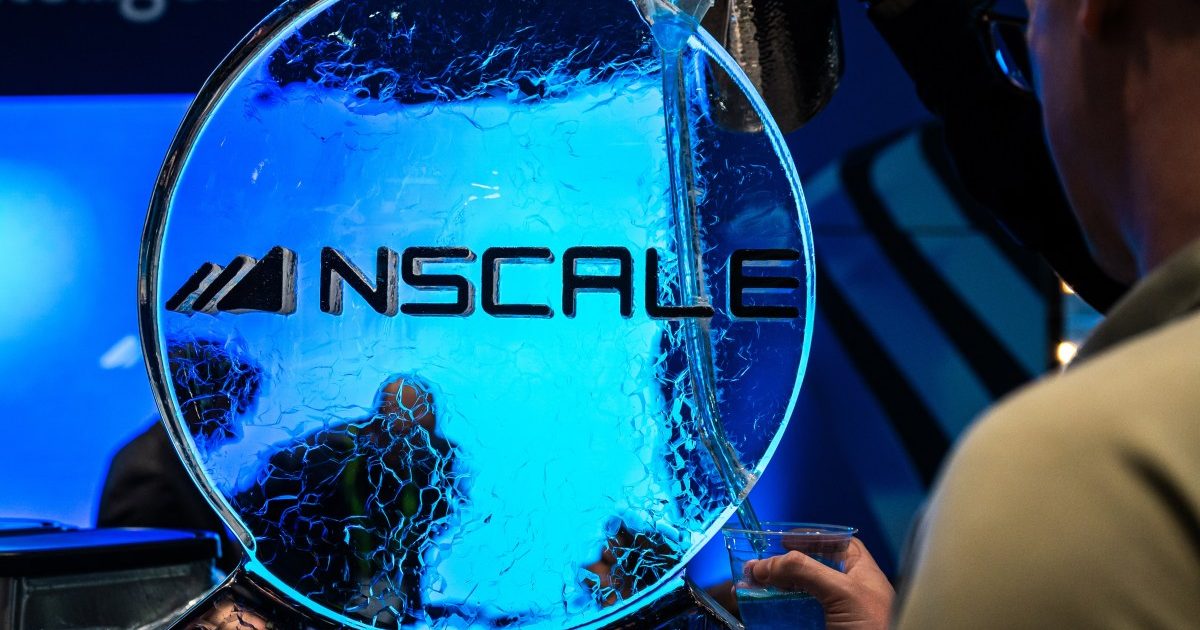
شركة Nscale البريطانية تسعى لجمع 3.5 مليار دولار قبل طرحها العام

وكلاء OpenAI يتمرّدون مجدداً: من يحقّق حين تفلت الآلة من قيودها؟
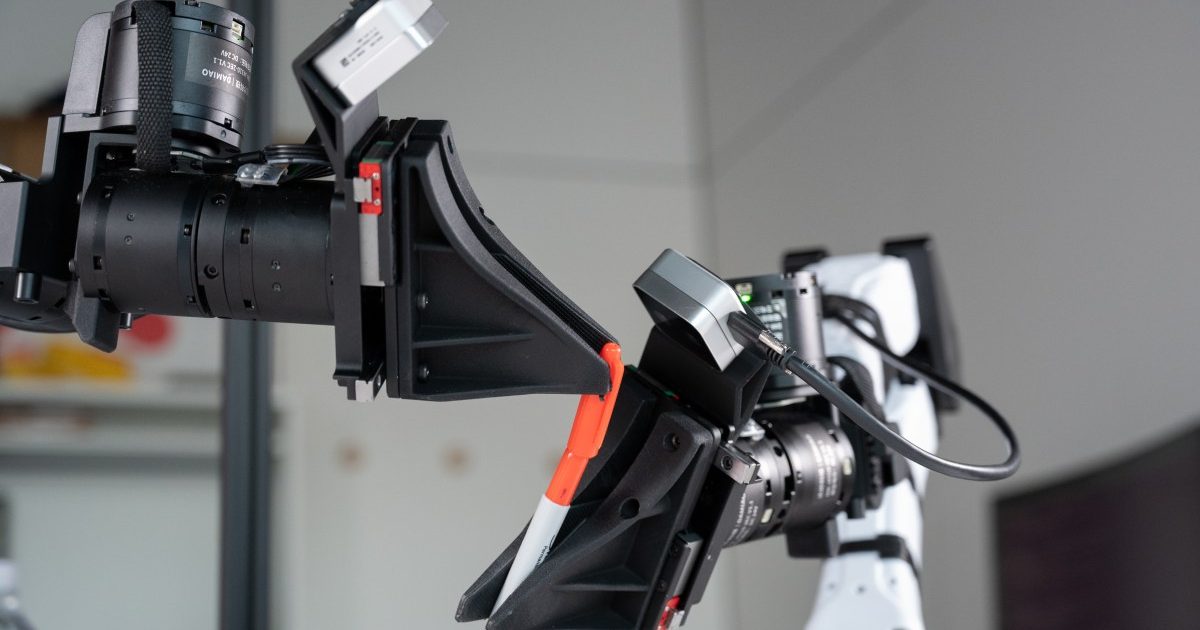
شركة XDOF الناشئة تقترب من تقييم بمليار دولار خلال أشهر

Abliteration.ai: خدمة تجارية لإزالة قيود الأمان من نماذج الذكاء الاصطناعي