The best 5 applications to easily root Android with just the click of a button!
 By Admin
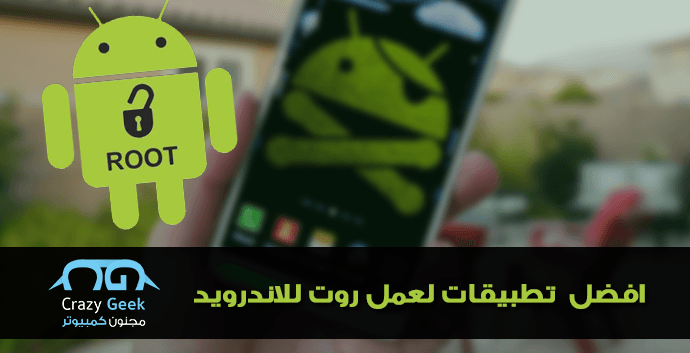
There are several applications to root Android in a very easy way, but most of us do not trust them and are afraid of installing malicious software, as root allows us to have greater powers on Android phones, which is considered a break in the protection of the phone and it is out of warranty, but with many advantages for the user to install applications that require root privileges or to perform other tasks. The best applications for rooting Android. We have previously talked about what root is and what are its disadvantages and advantages for the user so that he can be sure that he first needs to root before rooting the phone and without complicated steps. We will review with you here the best applications for rooting Android phones. They are applications that work in an easy way and with the push of a button, and all you need is to install the application on your computer and on the phone to perform the root. Read also: How to root all Android phones in more than one easy way. Root allows you to delete applications pre-installed with the system, install any application with root access, and update the Android system to newer, modified versions. They are known as Custom ROM interfaces, which have several powers and options to change the appearance of the mobile and install faster versions of your system, in addition to many other features.
1- KingoRoot program KingoRoot program is considered one of the most famous root applications for Android. It is supported by the XDA Developers website and has gained great fame due to its ease of use and applying root with the click of a button, but we always advise you to make a backup copy of the phone’s files before rooting. It is preferable to install the KingoRoot program for Windows first, then connect your phone and install the KingoRoot APK file to add the application to your phone in order to facilitate the rooting process, but some people believe that there are some messages and advertisements within the program that guide you to install advertising programs, and we advise you not to install them and to ignore these messages. 2- VRoot program The VRoot program is considered a direct competitor to the KingRoot application and performs the same task. It is considered one of the best applications for easily rooting Android. It enables you to do Root/UnRoot so that you can at any time cancel or run the root with one click. It supports many famous Android phones and even supports old Android systems such as ICS.
Read also: How to remove root from all Android phones in the easiest way 3- Framaroot program The Framaroot program enables you to root Android phones with one click, and on the official website you will find a special page for devices supported for rooting. Search for your phone, and if you find it, you will be able to easily root it and also cancel it later with one click if you want to return. 4- Root Master application The Root Master application supports the most popular HTC, Samsung, and Huawei phones and is considered one of the most famous applications for rooting Android without a computer, by installing the Root Master APK file on your phone and then choosing to do Root or Unroot and gives you some tools to adjust battery consumption and improve phone performance in addition to some mobile management tools. 5- iroot application The iroot application comes in two versions, Windows/Android, so you can root in any way you prefer. It enables you to install any ROM interface you want and delete applications that come pre-installed on your phone. It also supports many famous devices and is a commonly used application among Android phone lovers.
All of these applications are free and work in an easy way. They are considered one of the best applications for rooting Android. You can rely on them, but do not forget to do the backup first, do not install any additional programs, and check the phone after rooting if one of these applications installs any program and deletes it. These additional programs come as advertisements and are a source of profit for these applications, so you will always find them and you should just not install them to avoid inconvenience.
DROPIDEA
We hope this article has added real value to you. At DROPIDEA, we always strive to deliver high-quality content that helps you grow and evolve in the digital space. Follow us for more useful articles and guides.
Admin
DROPIDEA
Latest Articles

Nscale Acquires Anyscale for $1.65 Billion to Expand Its Dominance in AI Infrastructure

How Is AI Accelerating Meta's New App Launches?

Okta Acquires Security Firm Permiso for Around $200 Million

Microsoft Gains $3.2 Billion from Its Investment in Anthropic



