The best photo editing applications for Android and iPhone in 2024
 By Admin
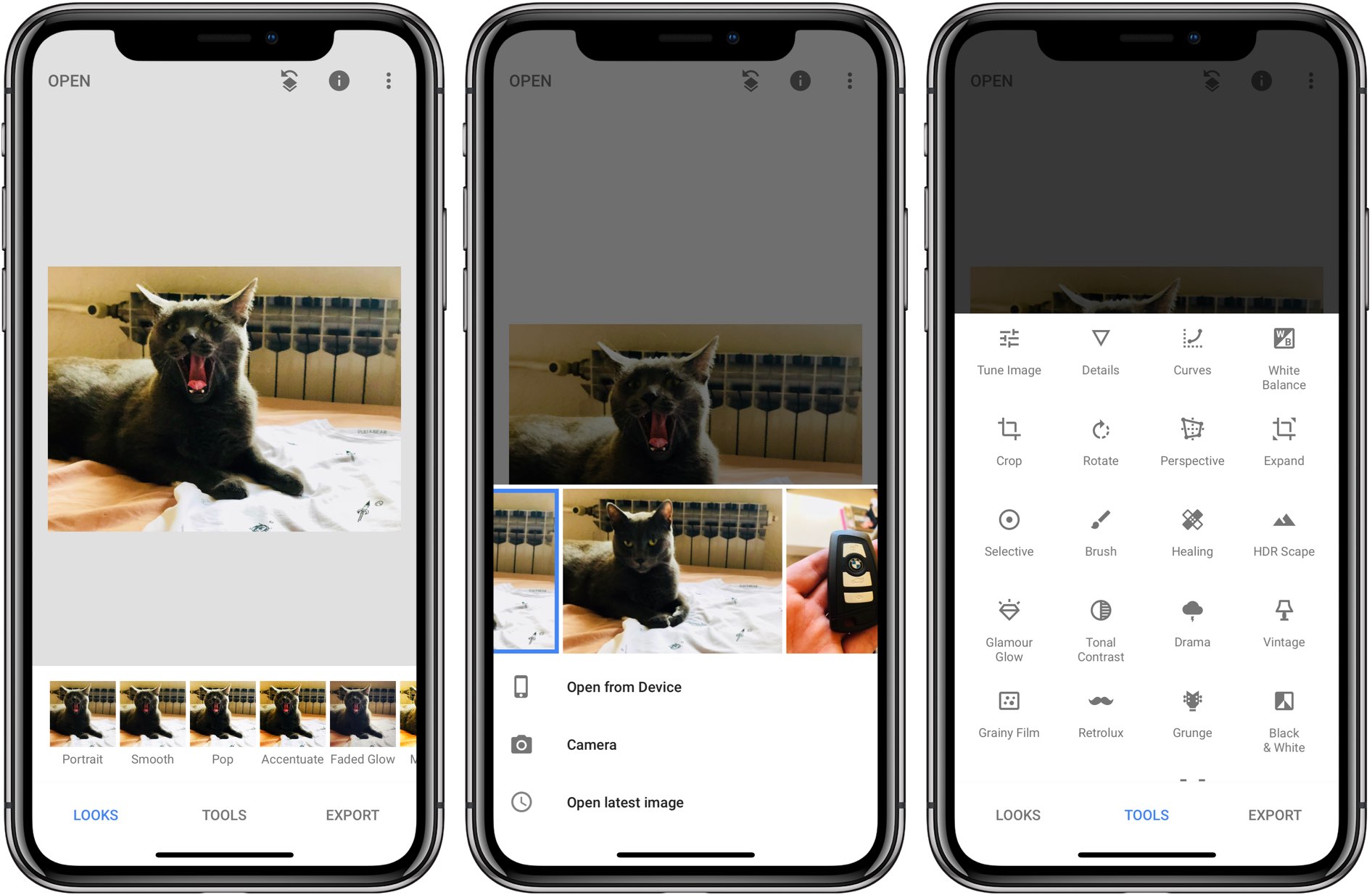
The best photo editing applications for mobile phones 2- Snapseed application. The person who developed the famous Nik Software filters for Photoshop is the one who launched the Snapseed application on the Google Play Store to provide several distinctive filters for images. Then Google acquired the application and became the owner of the right to develop it. Among its most important features:
Edit RAW images and files: You can open and edit
Photos in RAW format via the Snapseed application and converting photos to JPEG when saving them later, knowing that this is the format in which most photographers capture their work. Choosing the editing location: The application enables you to select 8 different places in the image and edit them separately using several different tools, and the application balances the editing locations for all the images. Auto-Removal feature: The program has a Healing tool to remove people from your photos without distorting the image. This feature is very useful for photos taken suddenly and people and elements appear in them that you do not want to be there.
3- Photo Editor Pro - Polish application The Photo Editor Pro - Polish application developed by InShot is an ideal choice for users seeking to improve their photos with professional features, and at the same time, in a quick and easy way. What sets this application apart is the variety of editing tools and effects it offers, combined with a user interface designed to be intuitive and flexible even for those who are not experts in graphic design. The application offers a rich library of filters that can be applied with one touch, and visual effects to add a unique atmosphere to photos, such as bokeh light effects and manipulation of background colors.
It is also not without basic editing options such as cropping images, adjusting brightness and contrast; But what raises the level of the application is the ability to add texts and stickers that come in creative and diverse shapes, allowing images to be customized for various occasions. One of the most powerful features of Photo Editor Pro – Polish, which makes it one of the best photo editing applications for mobile, is the body and face editing feature, which allows precise adjustments to features in a way that preserves naturalness and authentic beauty, giving users the ability to improve portrait photos in amazing ways. It can be said that this application responds to the needs of both the average and innovative user, as it combines ease and professionalism in a unified interface that guarantees the best results for every image.
Download photos from Google Photo and keep a backup copy on any device, but create cinematic photos via Android. You may also be interested in: Deleting people from photos with artificial intelligence through 3 effective methods 8- AirBrush – AI Photo Editor application Among the many photo editing applications available on Android and iPhone, the AirBrush – AI Photo Editor application stands out with its unique and innovative features. This application enables you to improve your personal photos with simple and easy-to-use touches, such as removing blemishes and pimples, unifying skin tone, whitening teeth, enlarging eyes, changing hair color, and adding makeup and light effects.
The application also allows you to benefit from the power of artificial intelligence to transform your photos into artistic paintings, replace any element in the image with what you want, repair old or distorted photos, remove unwanted people or objects, or transform your photos into professional photos. The AirBrush – AI Photo Editor application is considered one of the best applications for those who love photography and photo editing, as it gives them limitless possibilities to express their creativity and beauty. Articles related to image editing: The best applications for converting images into anime for Android for free The best online image editing sites as an alternative to Photoshop The 5 best sites for creating and converting images into cartoons
DROPIDEA
We hope this article has added real value to you. At DROPIDEA, we always strive to deliver high-quality content that helps you grow and evolve in the digital space. Follow us for more useful articles and guides.
Admin
DROPIDEA
Latest Articles

Pangram Raises $9 Million to Detect AI-Generated Content

Encore AI تجمع 30 مليون دولار لبناء وكلاء ذكاء اصطناعي يتعلمون من مكالمات العملاء

Hint: The AI-Powered Home Management Assistant with Martha Stewart's Touch

Startup Runlayer Accuses Rippling of Stealing Its MCP Product Idea



