Websites & Apps
 By Admin
June 1, 2025
68 views
By Admin
June 1, 2025
68 views
How to block YouTube on iPhone and iPad for children or set a usage period
By Admin
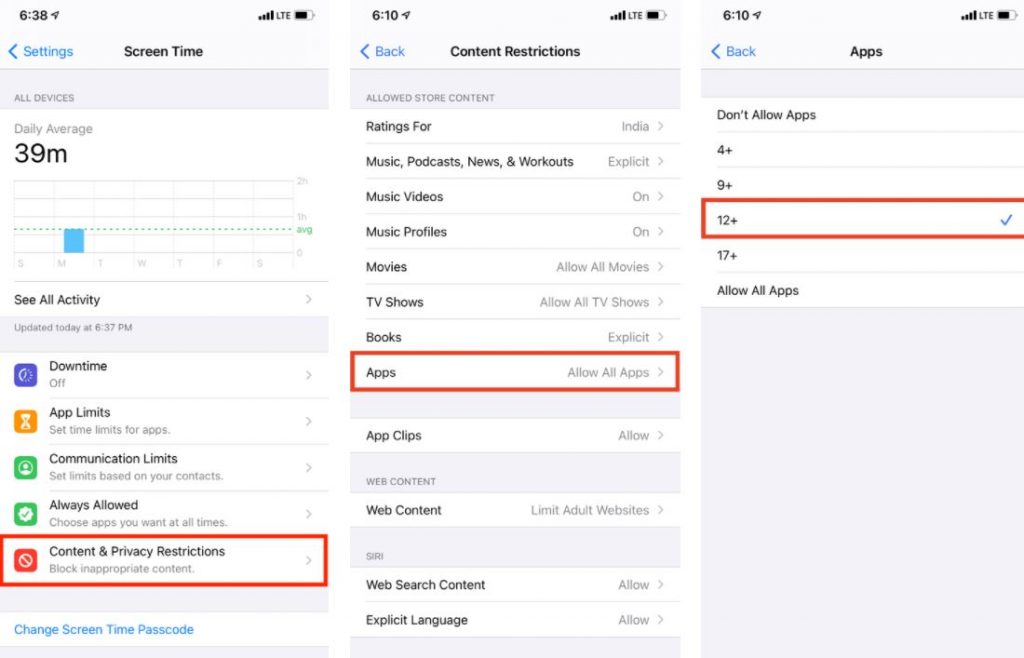
See also: Increase YouTube followers via the YouberUp application | YouTube subscribers for free, and for this reason, here is how to block YouTube on internet browsers: First, we open Settings and click on Screen Time. Then we click on Content & Privacy Restrictions and make sure it is enabled.
Then we click on Content Restrictions and then choose Web Content. Next we choose Limit Adult Websit You may like:
How to disable YouTube restricted mode on computer or Android
DROPIDEA
We hope this article has added real value to you. At DROPIDEA, we always strive to deliver high-quality content that helps you grow and evolve in the digital space. Follow us for more useful articles and guides.
Admin
DROPIDEA
Latest Articles

Nscale Acquires Anyscale for $1.65 Billion to Expand Its Dominance in AI Infrastructure
5 hours ago

How Is AI Accelerating Meta's New App Launches?
5 hours ago

Okta Acquires Security Firm Permiso for Around $200 Million
5 hours ago
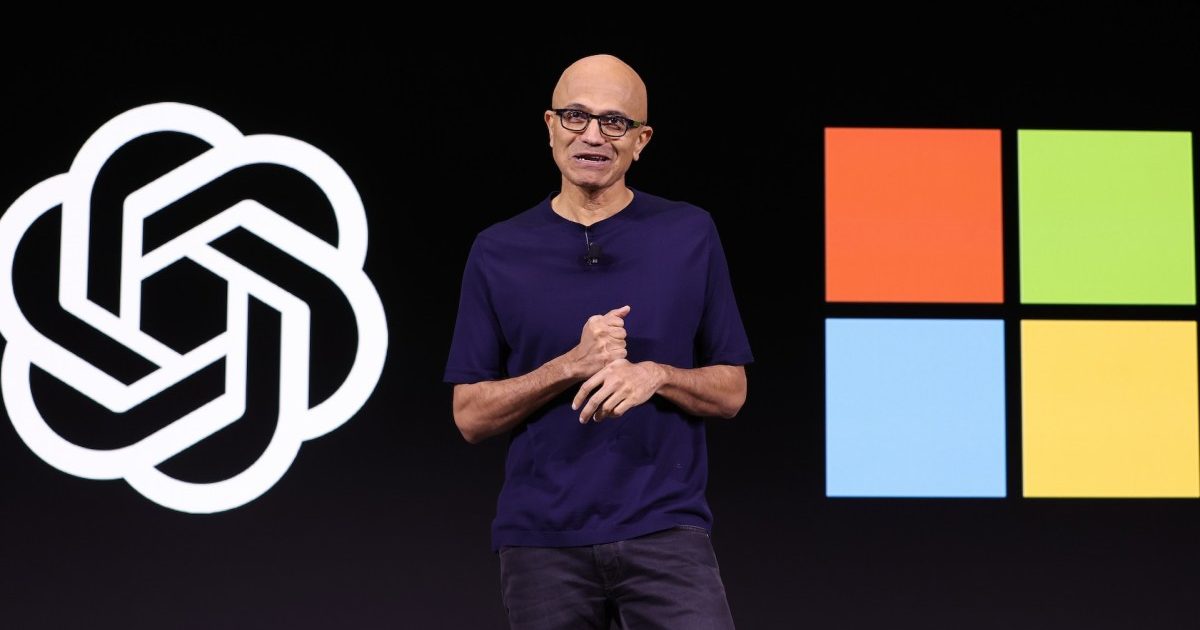
Microsoft Gains $3.2 Billion from Its Investment in Anthropic
17 hours ago

Zuckerberg: Billions of People Will Have AI Assistants Within Five Years
17 hours ago