How to hide the caller's number when calling and show Unknown to the other party
 By Admin
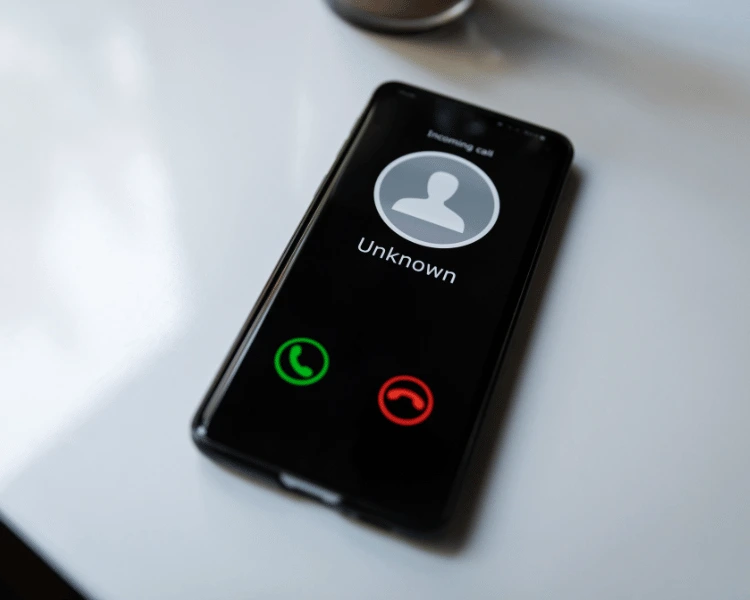
Sometimes when you call someone, for some reason you may want to hide the caller ID from the other party. Fortunately, you can do this task and hide the number through your Android or iPhone device, using three methods that we will explain in the following article. Hide the caller ID through the device Android and iOS devices allow you to hide your caller ID (iD).
But some telecom companies do not provide this function in their devices, which may lead you to have your number blocked by the company. Hide the caller ID on iPhone First, go to “Settings”. Then “phone”.
Then you will find the option “Show Caller ID”. Simply turn this option off. Hide the calling phone number on Android First, open the menu. Then go to “Settings”.
Next you have the option “Additional Services” or “Additional Settings”. Look for “Calls & additional settings.” Deactivate the “Show Call ID” option.
Block a phone number using the star symbol. In this method, you can use a specific symbol that you type before the number you want to call. This code varies from one country to another, but in most countries it is 67*. Like other methods that we mentioned or that we will mention, when you make the call, the party that will receive the call.
Instead of your phone number appearing, the following phrase will appear: “Unknown number.” However, the only difference from the remaining methods is that in this method you will be able to contact the person even if your number has been blocked before. This method bypasses the ban and allows you to call the other party while hiding the phone number.
As for showing your phone number, you can also use a code (which is often *82) before dialing the phone number you want to call. Hide the phone number through your communication service provider (carrier). This method is considered the most difficult, because it requires contacting the company that provides the communication service, such as AT&T and T-Mobile.
This method requires finding a clear reason to hide your phone number from the other party before contacting the customer service of the telecommunications company you are dealing with. Read also: 4 ways to know if your phone number has been blocked and what to do then?
Other ways to count the caller ID when calling
If your phone service is tied with Verizon. Then you can easily hide your phone number through the “Block Services” option on the Verizon website, or through the My Verizon app. Although you will not be able to hide your number from all the parties you will contact, these methods can help you if you want to hide the caller's number from regular numbers that are not affiliated with any organization, company, or emergency services.
Read also: Learn about the most important secret phone codes
DROPIDEA
We hope this article has added real value to you. At DROPIDEA, we always strive to deliver high-quality content that helps you grow and evolve in the digital space. Follow us for more useful articles and guides.
Admin
DROPIDEA
Latest Articles

Microsoft Gains $3.2 Billion from Its Investment in Anthropic

Zuckerberg: Billions of People Will Have AI Assistants Within Five Years

Microsoft Enters Direct Competition Against OpenAI and Anthropic

Pangram Raises $9 Million to Detect AI-Generated Content



