What do you do after water falls on the laptop? Try these effective solutions
 By Admin
Water falling on the laptop may give you what amounts to a simple and sudden heart attack because you are afraid of what has happened and will happen. This situation occurs involuntarily and is worse with laptop computers due to the possibility of this spilled liquid leaking into the components of the laptop. It is not easy to take any quick action to resolve the situation. Rather, it may require disassembling the entire device until it dries completely, which is undoubtedly a difficult process. In general, there is no need to panic or worry. After water is spilled on the laptop, immediately perform the following effective solutions in order to save the computer and prevent any damage. 1- Disconnect the laptop cables immediately after water falls. The first step is to turn off the laptop. The best way to shut down the computer in this case is to press the Power button for 10 seconds until it turns off completely and the static electrical charges in the internal components of the device are eliminated.
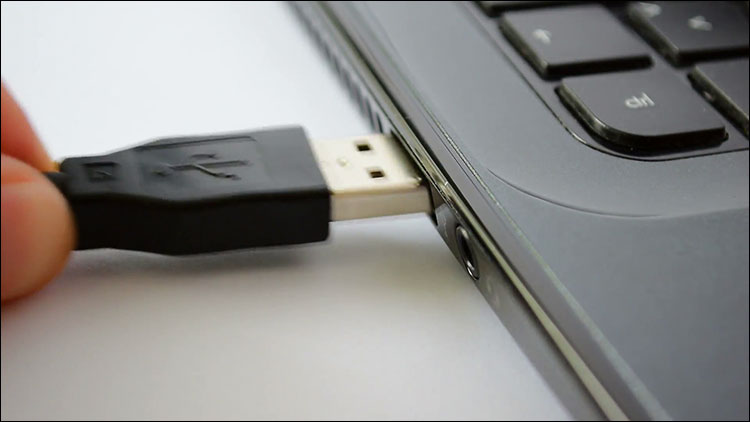
After that, you will remove all removable components of the laptop, such as the battery, cables connected to the device, and also empty the USB ports. Try not to remove these components forcefully so as not to increase the damage. 2- Drying the laptop The second step is to dry the laptop, and there are several ways that you can do to get rid of this spilled liquid, which are: using a piece of cloth or paper towel and passing it over the keyboard buttons and between them until this liquid is suctioned out.
Dry the side air vents, and clean the wet parts on the surface of the laptop. Rotate the laptop upside down to prevent water from leaking internally and reaching deeper into the computer. Use drying tools or an air extraction device.
Never try to use a hair dryer because it may cause other problems and damage that will damage the internal parts of the computer. One of the best ways to dry a laptop from experience is to use rice! This method is not only suitable for phones, but also for laptops, and its results will be wonderful and effective for saving the computer.
Cover the entire wet laptop surface with rice, being careful to prevent the rice from flowing into the open areas of the device, then leave it for some time until it dries completely and there are no traces of this liquid. Read also: The best ways to cool the laptop... Five effective tips to reduce the temperature of the laptop 3- Clean the laptop from the inside. Remember that the damage that occurs to the laptop depends on the amount of water spilled and where it fell specifically. If the amount is small, the previous steps can succeed in resolving the situation.
Whereas if the quantity is large and the laptop is filled with this spilled liquid, you will also need to perform the previous steps and in addition disassemble the computer completely in order to reach the internal parts and dry them from this leakage. 4- Do not use the laptop temporarily so as not to increase the damage. Do not use the laptop on the same day it is exposed to this situation, but rather temporarily stop using it for at least 24 hours until you are sure that it is completely dry from this spilled liquid, and then after that you can operate it safely without worrying about this liquid having an effect on the components of the computer. Read also: 5 ways to check computer components and ensure their safety 5- How to protect against water falling on the laptop. In order to protect the laptop from any damage when exposed to this situation again and forever, buy a Keyboard Protector, which is a piece of transparent rubber or silicone that is placed over the keyboard to cover it completely. Next time when liquid is spilled on the laptop, this piece can easily be removed and cleaned or replaced with a new one, as its price is very cheap.
DROPIDEA
We hope this article has added real value to you. At DROPIDEA, we always strive to deliver high-quality content that helps you grow and evolve in the digital space. Follow us for more useful articles and guides.
Admin
DROPIDEA
Latest Articles

Microsoft Gains $3.2 Billion from Its Investment in Anthropic

Zuckerberg: Billions of People Will Have AI Assistants Within Five Years

Microsoft Enters Direct Competition Against OpenAI and Anthropic

Pangram Raises $9 Million to Detect AI-Generated Content



