Learn about the Faster template and its distinctive options and get a fully localized version for free
 By Admin
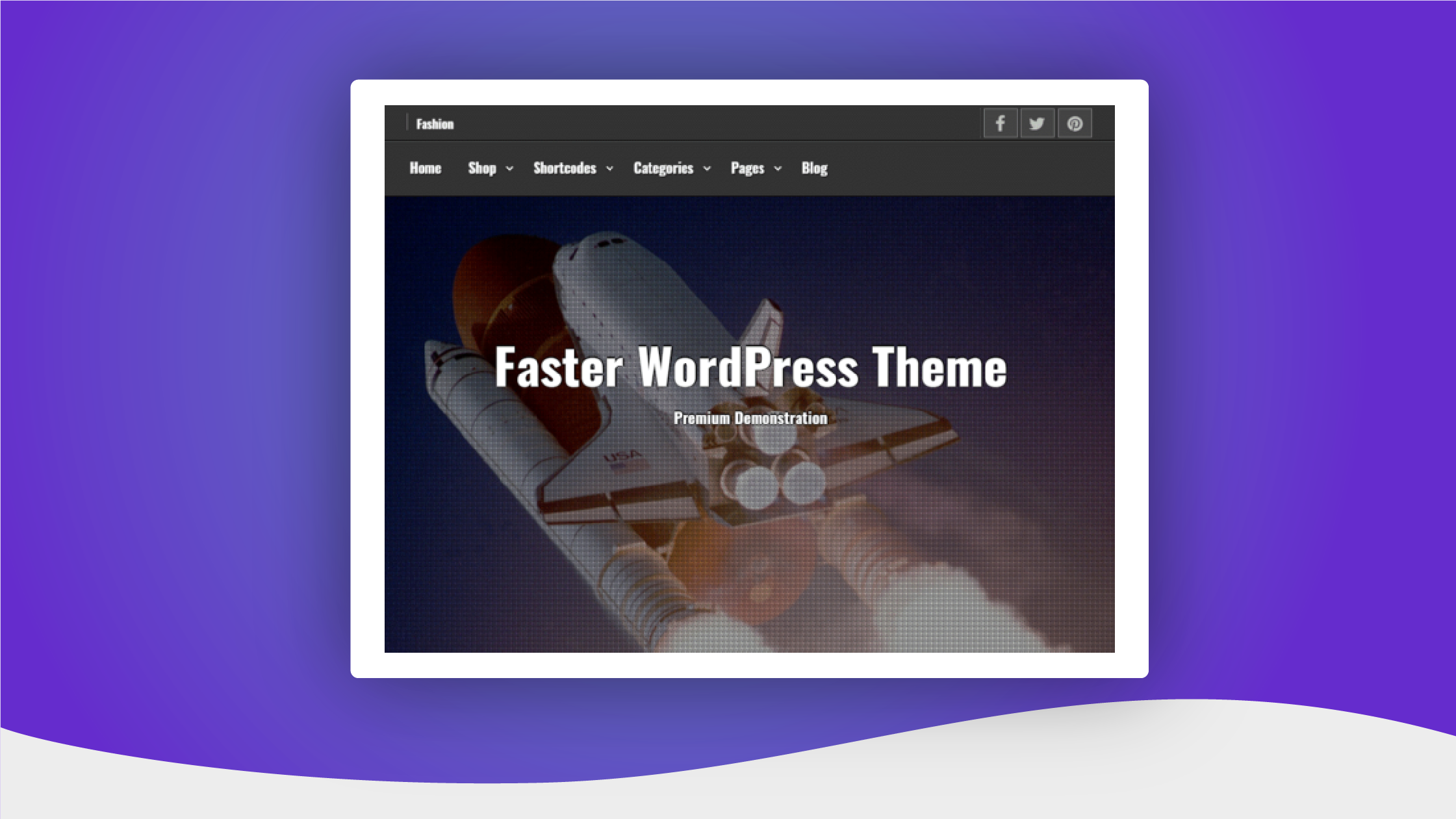
Many of the free WordPress themes available lack one important feature, which is Arabic language support. You can find countless excellent free templates in the templates section of the WordPress website, but a large number of them will not be available in Arabic, or at least they will not be fully Arabized. The Faster template is one of those templates that is characterized by high-quality technical features, but it is not available in Arabic. For this reason, in this article we will introduce you to Faster, and to the advantages and options that it provides, and we will provide you with a free copy fully Arabized by the work team that you can download directly and use on Arabic websites. Go directly to the download location What is the Faster template?
Faster is a multi-purpose WordPress template with an elegant and beautiful design that provides the ability to create various types of websites, and includes a large number of options that allow you to adjust the appearance of the site professionally and with great ease. In addition, it is of course characterized by what its name suggests (Faster in Arabic: faster), as it is a very fast WordPress template. The Faster WordPress template is available in the official WordPress theme store for free, but there is also a paid version of it that provides more options, although the free version contains many options.
We also provide you here with a free, fully Arabized copy of the template, because the version found in the official WordPress store is not Arabized, and is not suitable for use on Arabic websites. You can obtain any of these copies by clicking one of the buttons at the bottom of the article. Advantages of the Faster template Both the free and paid versions of the Faster template have many unique advantages that make the template one of the best WordPress templates, including: The performance of the template is very high, and this will help you make the experience of the users of your site or store satisfactory.
It is compatible with search engine optimization (SEO), which means you can use it if you want to rank high in search results. Suitable for various types of websites, such as news sites, blogs, business galleries, photography sites, online stores, etc. It works perfectly on all devices, as it is responsive to various screen sizes.
It is perfectly compatible with the component editor and the WooCommerce plugin, which allows you to manage your online store professionally. It contains a large number of customization options, and provides the ability to customize the appearance of the site through the easy-to-use customization tool. It supports night mode, where you can specify whether your site will appear to visitors in light or dark (dark) colors.
It includes several animation options that make browsing your site visually pleasing for visitors. The template also contains a large number of options that allow you to adjust the appearance of many sections of your site according to what you want, and we will highlight all the important options in a subsequent paragraph.
How to install the Faster template It is very easy to install
Faster template on your WordPress site. In order to install the version found in the official WordPress store, you can go to the Templates section in your WordPress control panel, then search for the template and install it directly, just as we explained in the steps of the first method in the article (How to install a WordPress template correctly). If the version in the official store is not suitable for you because it is not Arabized, or if you want to purchase the paid version and install it, you can obtain the fully Arabized template file or purchase the paid version through the buttons below, then you can install it by uploading it to your site as we explained in the steps of the second method in the article that we referred to above. Faster template customization options The Faster template is distinguished by having a large number of site customization options in both the free and paid versions. All customization options can be accessed, modified, and previewed what you do through the customization tool in WordPress, which can be accessed by placing the mouse cursor on (Appearance), then clicking on (Customize) within the control panel.
Go to the Faster template customization tool Within the customization tool there are two sections, one of which includes customization options under tabs and is located on the right side, and the other displays a live preview of the appearance of the site based on the options you modify and is located on the left side. WordPress Customization Tool Sections Under the Faster theme customization options section on the right side, you will notice a large number of tabs. Each tab includes customization options specific to a specific thing on the site, and you can explore all of these options yourself, but here we will take an overview of the most important tabs and the distinctive options in them.
Customization Options Tabs The most important tabs that include options for customizing the Faster template in the WordPress customization tool include the following: (Template Appearance Mode) tab: Through it, you can activate or deactivate the dark or night mode on the site, depending on what you want. Tab (Home Images): This enables you to insert a group of images into the upper section of the home page of the site to express its content. (Content Options) tab: It includes options that allow you to modify the appearance of the basic sections of the site, such as the sidebar, the section in which articles appear, and so on.
Tab (Top Header): You can hide, show, or modify some of the properties of the section that appears at the top of the site above the main horizontal menu, in addition to the ability to activate or deactivate sticky articles, which is a feature that allows you to display the titles of your site’s articles animatedly at the top. Tab (Sharing Options): The options of this tab allow you to specify what article data will appear on the home page and other pages that display a group of articles, such as the author’s name, publication date, etc. (Social Icons) tab: Provides the ability to insert links to your website pages on social media sites at the top of the site, such as a link to your Facebook page.
(Animation) tab: It includes distinct options that allow you to adjust the animation on the site, such as the appearance fees for articles, where you can change the way they appear. (Site Identity) tab: Allows you to upload your website’s logo and icon, and specify the site name and description. Tab (Read More Button): From it you can specify the text of the Read More button that appears after the article excerpt.
(Copyright in Footer) tab: Through it you can specify the copyright text that appears at the bottom of the site within the footer. (Colors) tab: It includes options that provide you with the ability to adjust some site colors, such as the header color and the page body color. Tab (Back to Top Button Options): Enables you to activate the Back to Top button, and adjust its appearance as you want.
Some of the customization options included in the Faster template The template also includes many other customization options that enable you to adjust the appearance of your website, and you can explore them by installing and testing the template. Download the fully localized Faster template. If you want to download the fully localized Faster template that is suitable for use on Arabic websites, or if you would like to preview the template page on the official WordPress website, or if you want to obtain the paid version of the template, you can do so by clicking on one of these buttons. Download the fully parsed Faster template for free. Preview the template page in the WordPress store. Obtain the paid version. Thus, we have finished introducing you to the advantages and options of the Faster template, which is one of the best WordPress templates, and providing links through which you can preview the template on the official WordPress website, obtain the paid version, or download it fully parsed for free and safely.
DROPIDEA
We hope this article has added real value to you. At DROPIDEA, we always strive to deliver high-quality content that helps you grow and evolve in the digital space. Follow us for more useful articles and guides.
Admin
DROPIDEA
Latest Articles

Microsoft Gains $3.2 Billion from Its Investment in Anthropic

Zuckerberg: Billions of People Will Have AI Assistants Within Five Years

Microsoft Enters Direct Competition Against OpenAI and Anthropic

Pangram Raises $9 Million to Detect AI-Generated Content



