The tablet does not turn on or charge? Here are 6 solutions to fix a tablet with a black screen
 By Admin
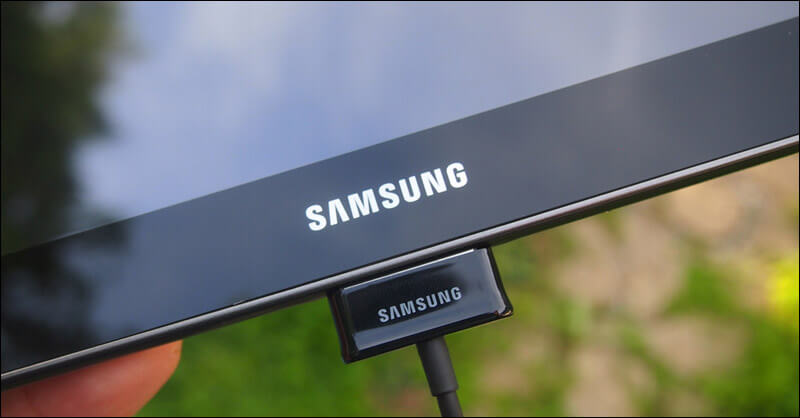
Low battery Water or hardware damage Driver glitch Display or screen glitch Initially, try holding down the power button for 10 seconds. This usually causes the device to restart; But if nothing happens, follow these steps.
1- Make sure to charge the tablet for several minutes. Make sure the ports are clean: Check the charging cable: 2- Check the tablet screen. Information: You can easily replace the tablet screen yourself, but doing so will void the warranty. 3- To activate safe mode on your device, follow these steps: 4- Disconnect the battery from the tablet for some time, but if it comes with a built-in, non-removable battery, you have two options:
Read also: The phone does not charge problem: 8 solutions to try when your phone’s battery does not accept a charge.. You can try the same steps on the tablet to solve Android device charging problems.
5- Perform a factory reset of the tablet from recovery. 6- Repair the tablet by connecting it to the computer. If the previous steps are still ineffective, you may be able to force it to work using the computer. This is after Google submitted a report containing a series of complex steps that ultimately lead to restarting the broken tablet again via your computer, and we have simplified it as follows: Connect the tablet to the computer using a USB cable.
Leave it charging for 15 minutes. Disconnect the cable from the tablet (not the computer). Reconnect the cable within 10 seconds of disconnecting it.
Charge the tablet for another 30 minutes. Press and hold the power button for 5 seconds. Click on the Restart option that appears on the screen.
If you don't see the Restart option, press the power button for an additional 30 seconds until the tablet restarts automatically. If no solutions here work and the tablet still does not work, it may be time to face the fact that you need to buy a new tablet or take it to a maintenance store to inspect the internal parts for damage. You may also be interested in: How do you benefit from an old, intact or damaged tablet?
DROPIDEA
We hope this article has added real value to you. At DROPIDEA, we always strive to deliver high-quality content that helps you grow and evolve in the digital space. Follow us for more useful articles and guides.
Admin
DROPIDEA
Latest Articles

Nscale Acquires Anyscale for $1.65 Billion to Expand Its Dominance in AI Infrastructure

How Is AI Accelerating Meta's New App Launches?

Okta Acquires Security Firm Permiso for Around $200 Million

Microsoft Gains $3.2 Billion from Its Investment in Anthropic